Pack · 28 assets
Bunker UI Starter — 28 matched kits
The Bunker family in one place: HUD frames, nine-slice panels and buttons and 26 more matched kits. One palette, one stroke weight, one set of nine-slice margins.
Stencilled field kit: olive body, bone trace, one red signal. No glow anywhere — a painted crate does not glow, and that restraint is the whole look.
28 kits drawn against the same rules, so they can sit in the same screen without anything looking borrowed: the same six field olive tones, the same single signal red accent, the same 2 px stroke weight, and nine-slice margins that are always a multiple of four.
That consistency is the actual point of a pack. Individually each kit is useful; together they mean a pause menu, a HUD and a settings screen can be assembled in an afternoon without a single colour or corner radius being negotiated twice.
Each kit is downloaded from its own page — that way you take only what you need, and the file list, sizes and licence stay accurate per item rather than being averaged across a bundle.
What is inside
28 kits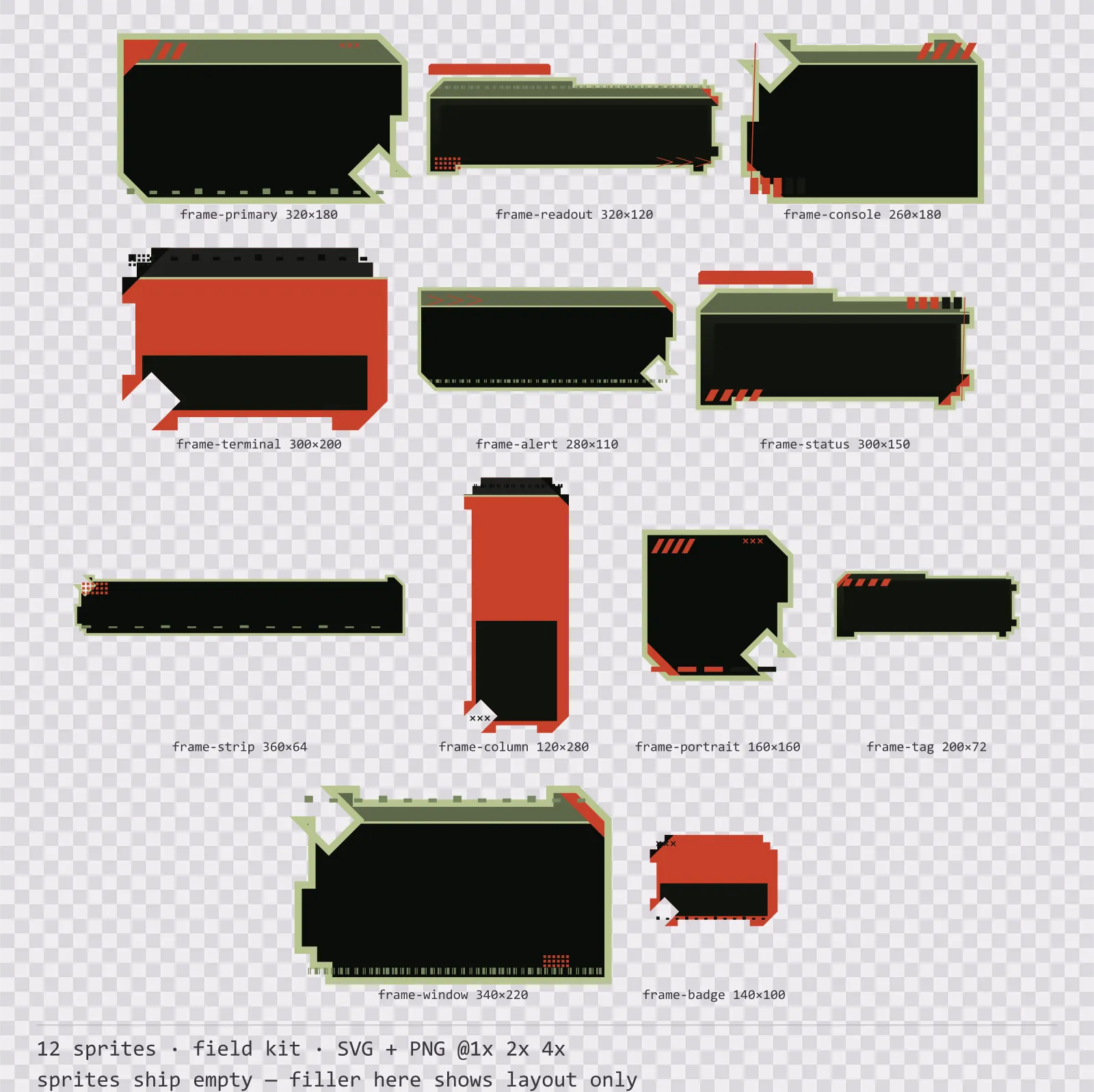
Bunker HUD Frame Set
12 field kit HUD frames for dark interfaces — field olive with signal red accents. SVG plus transparent PNG at 1x, 2x and 4x.
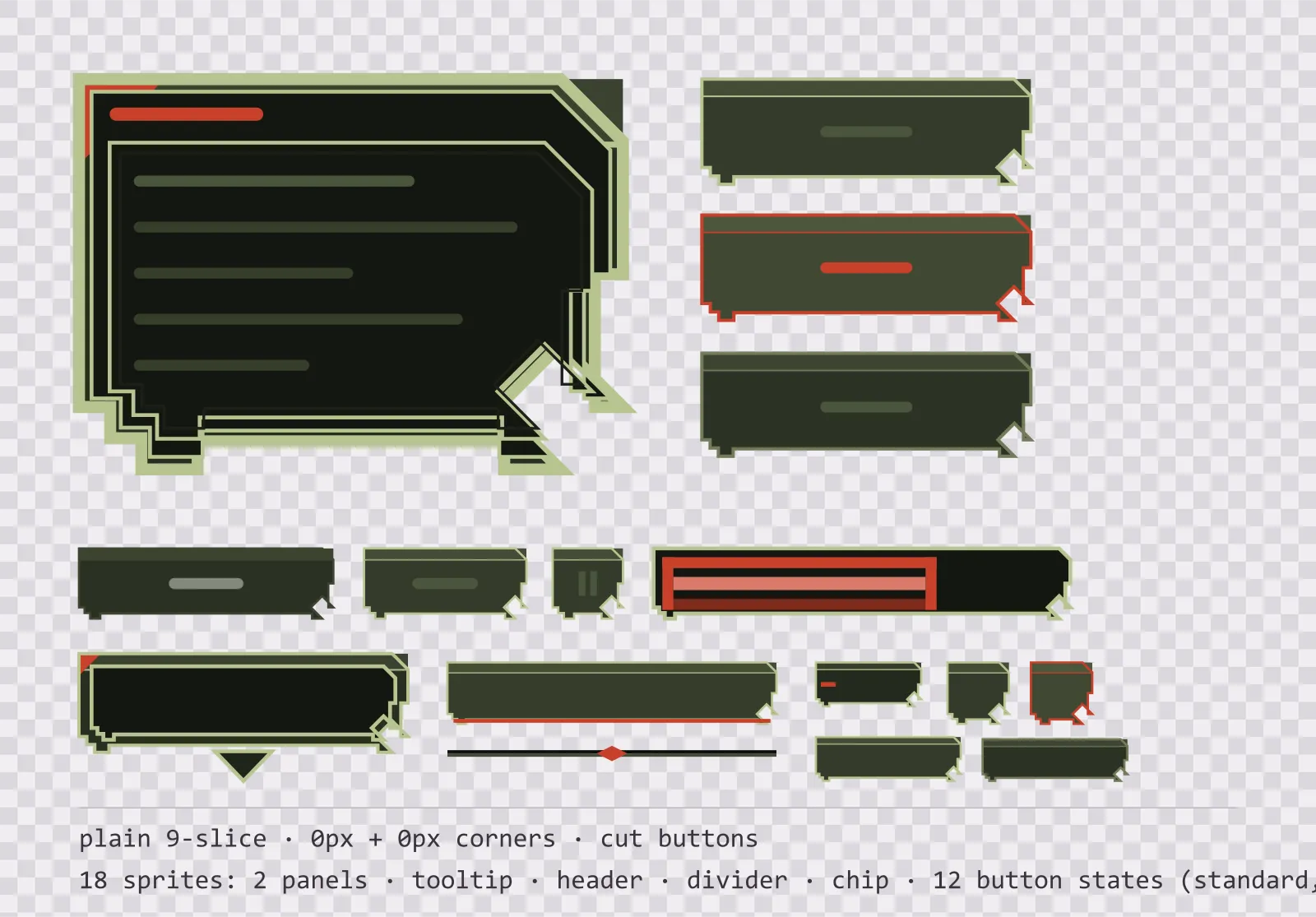
Bunker Panel UI Kit — single-framed panels and buttons
18 olive field interface sprites: single-framed nine-slice panels, a tooltip, a header bar, a divider, a chip and twelve chamfered button states. SVG plus transparent PNG.
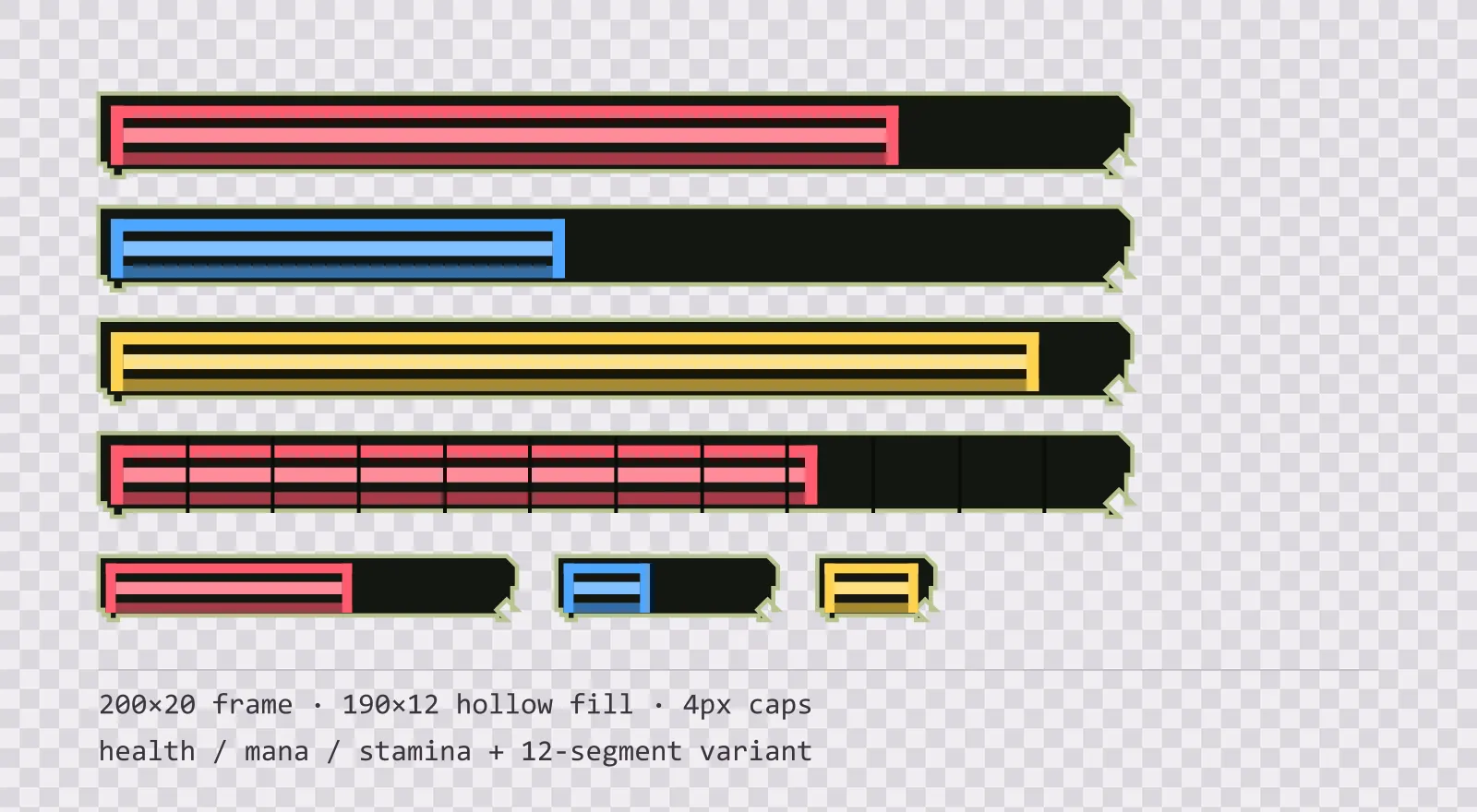
Bunker HUD Bars — health, mana and stamina
16 olive field HUD bar sprites: standard, slim and vertical frames, three hollow-core fills in each, plus segmented, ghost and shield variants. SVG plus transparent PNG.
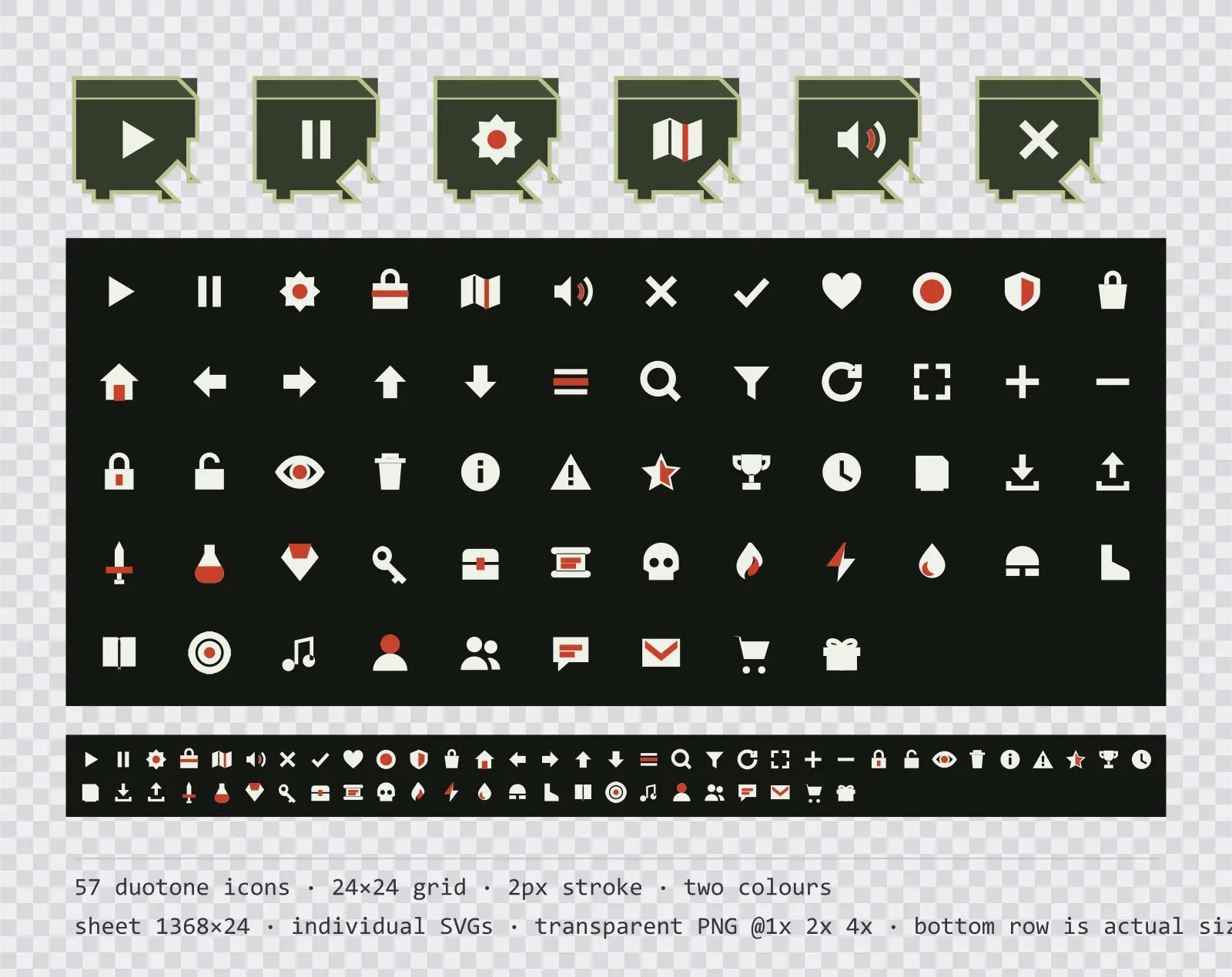
Bunker Menu Icons — 24px two-tone set
57 two-tone olive field menu icons on a 24×24 grid, including play, pause, settings and 54 more. Sheet plus individual files.
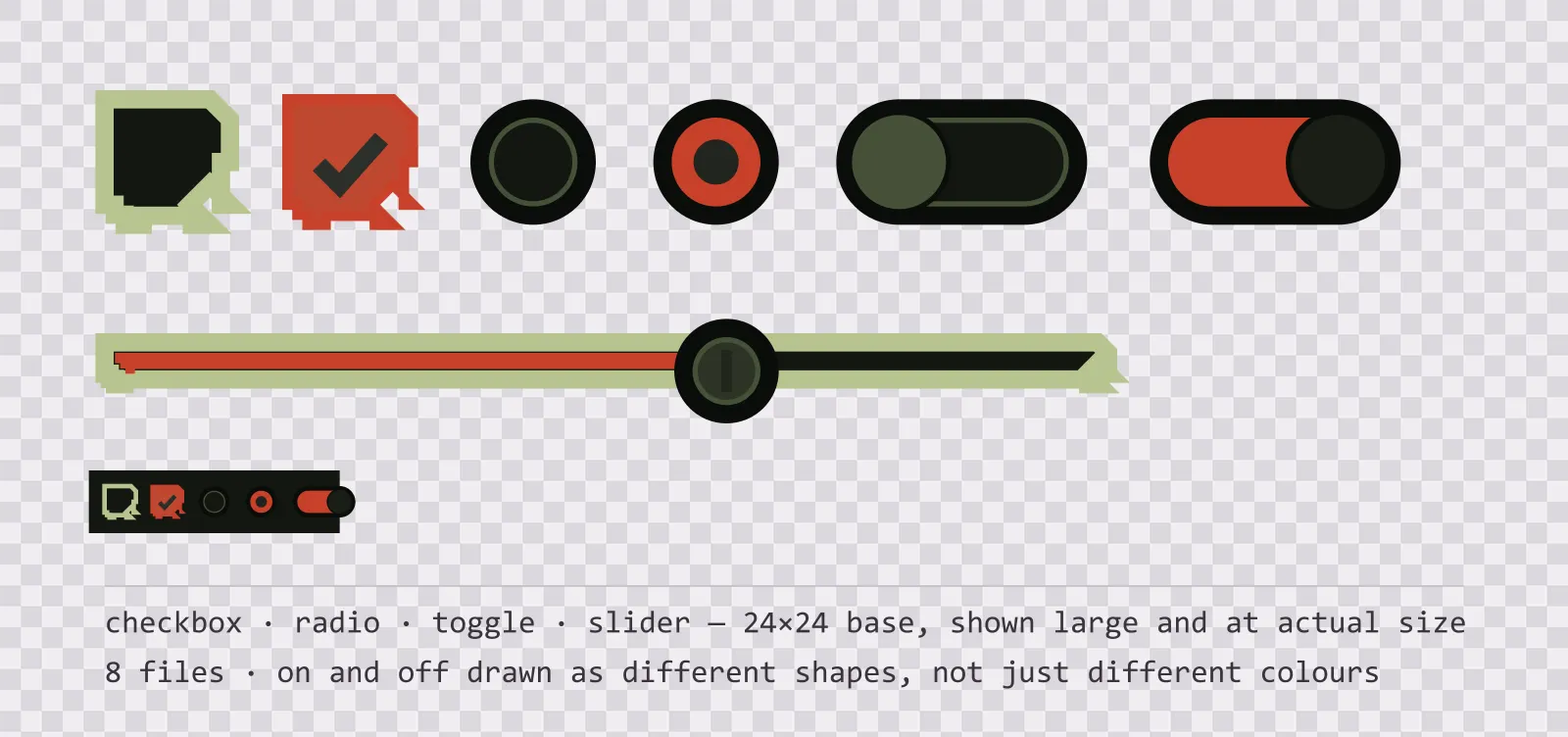
Bunker UI Controls — checkbox, toggle and slider
19 olive field interface controls: checkbox, radio, toggle, slider and stepper, with on, off, partial and disabled states drawn as different shapes. SVG plus PNG.
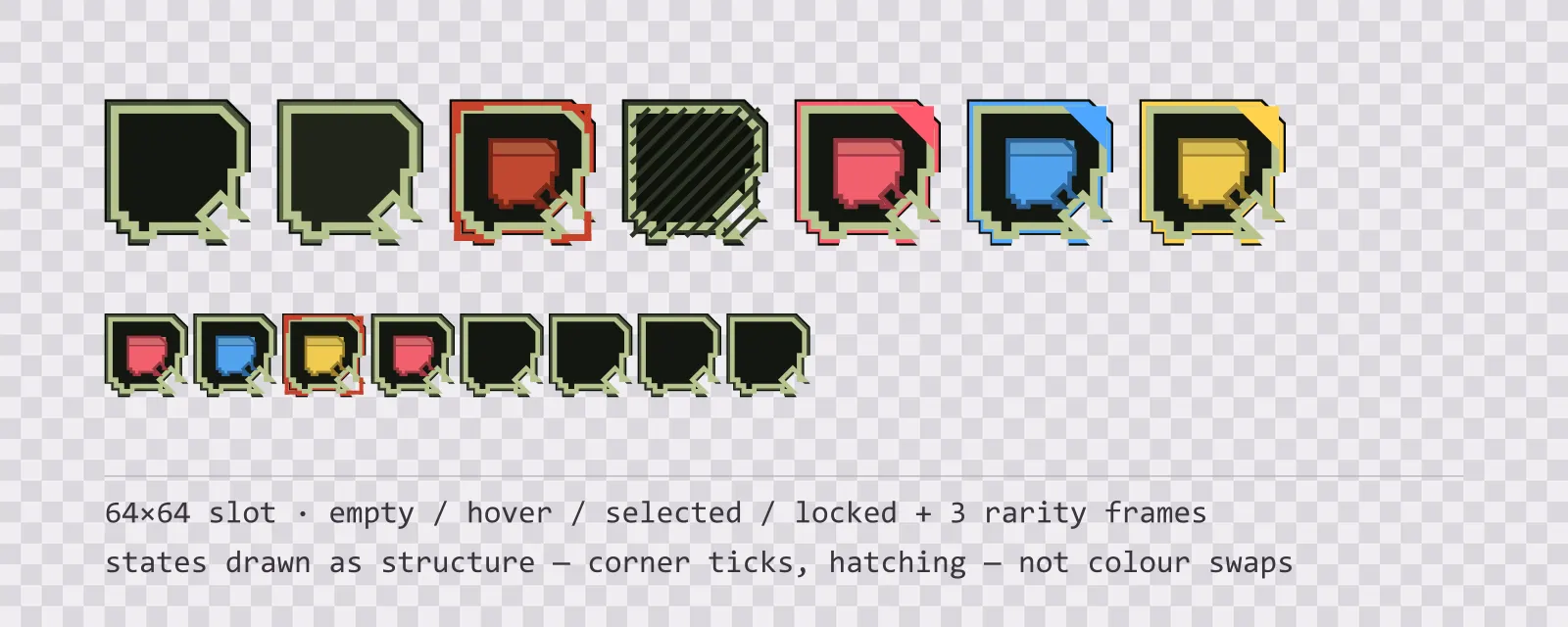
Bunker Inventory Slots — 64px grid
13 64×64 olive field inventory slots: empty, hover, selected, locked, blocked and drop states, round and hex equipment slots, a hotbar slot and three rarity frames.
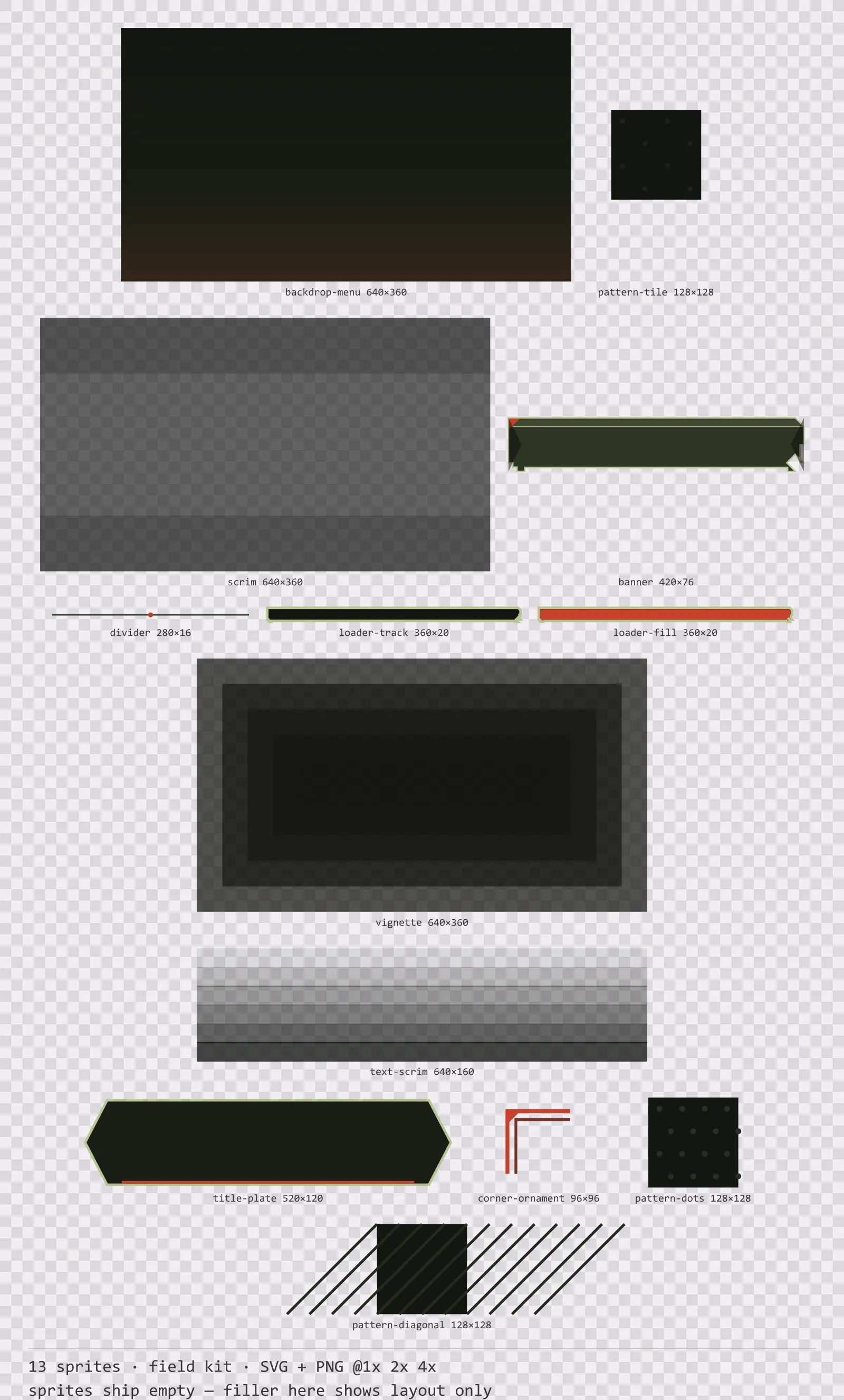
Bunker Backdrops
13 field kit background and overlay pieces for dark interfaces — field olive with signal red accents. SVG plus transparent PNG at 1x, 2x and 4x.
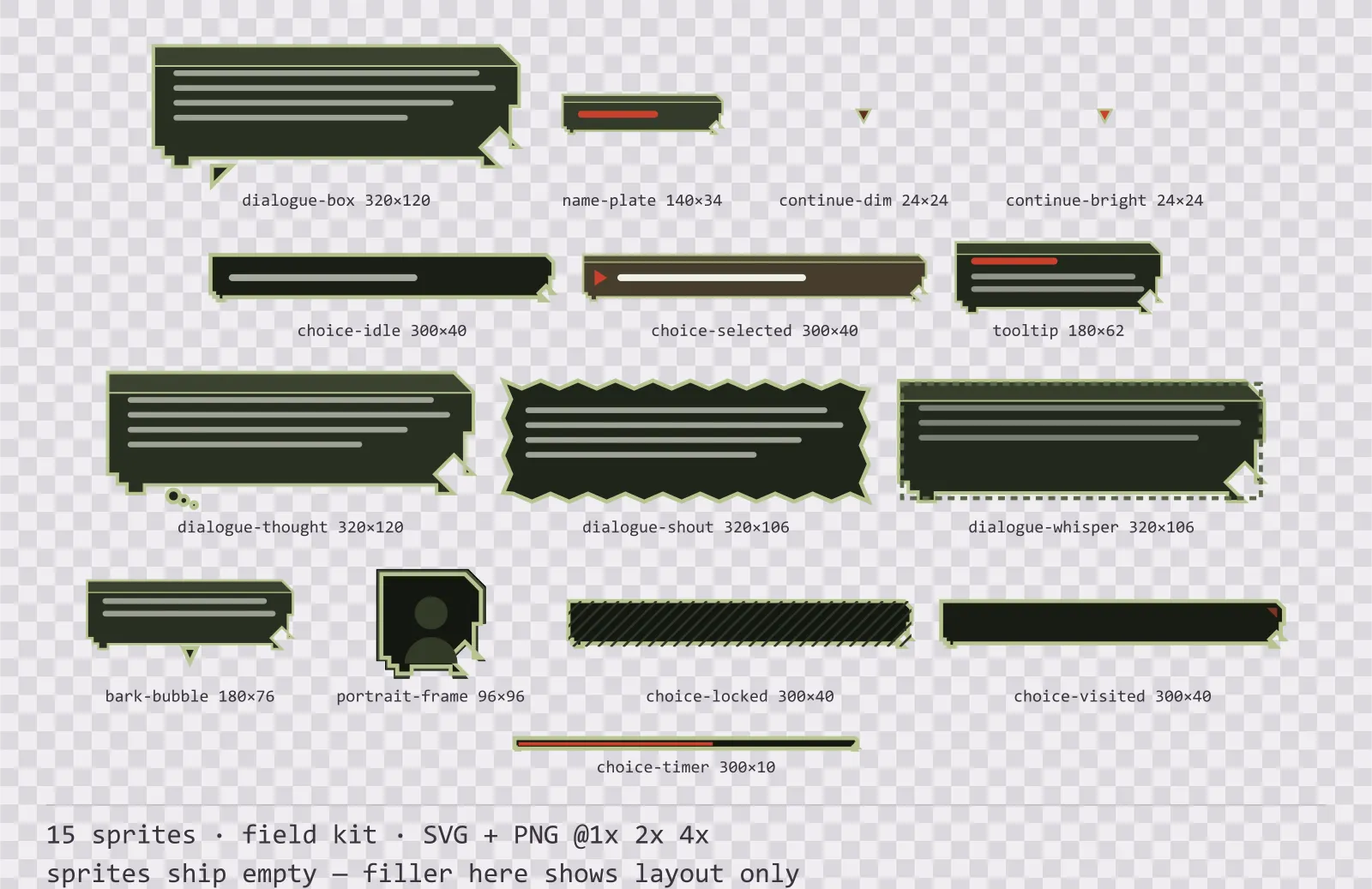
Bunker Dialogue Kit
15 field kit dialogue components for dark interfaces — field olive with signal red accents. SVG plus transparent PNG at 1x, 2x and 4x.
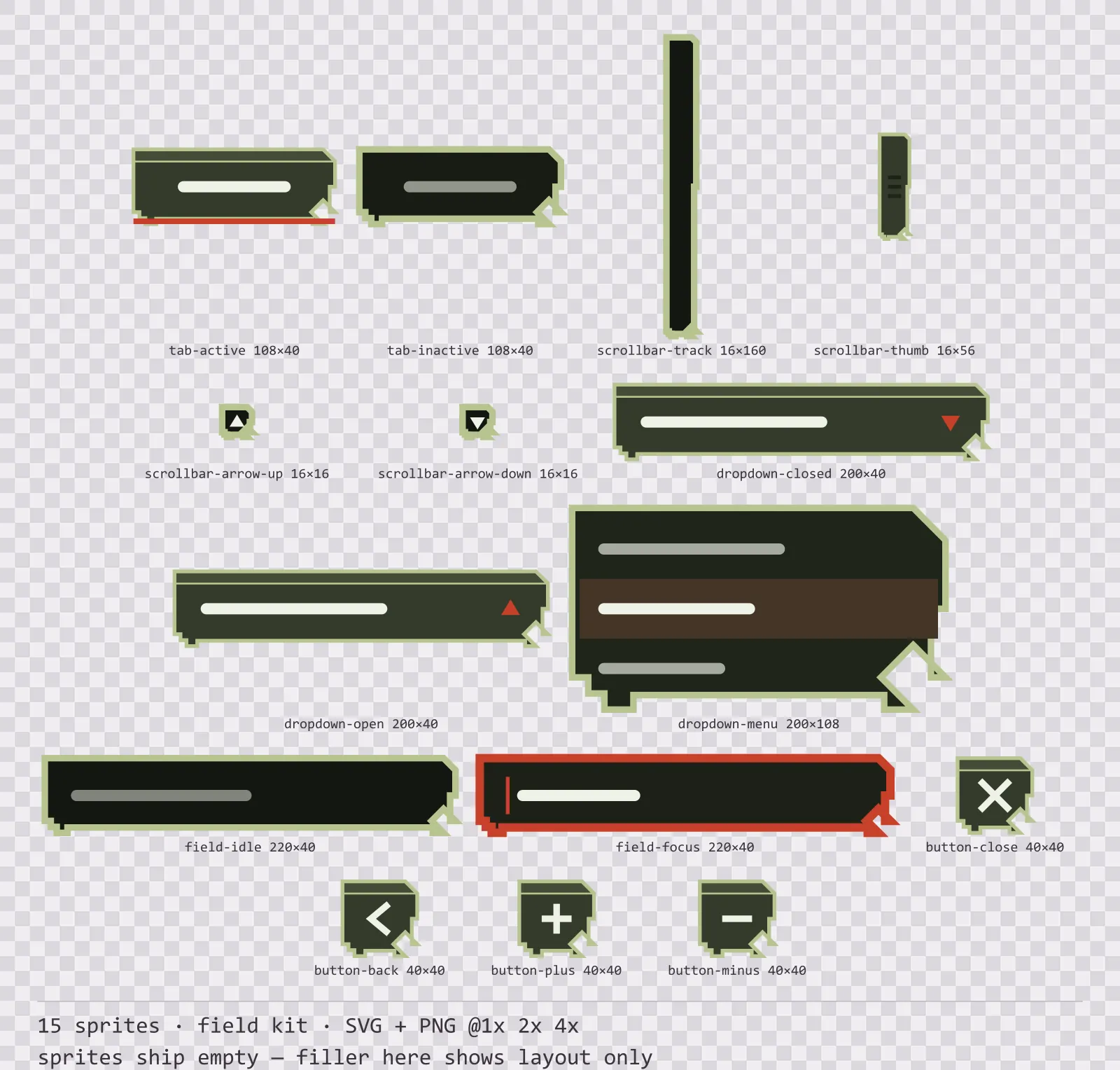
Bunker Navigation Kit
15 field kit navigation and input components for dark interfaces — field olive with signal red accents. SVG plus transparent PNG at 1x, 2x and 4x.
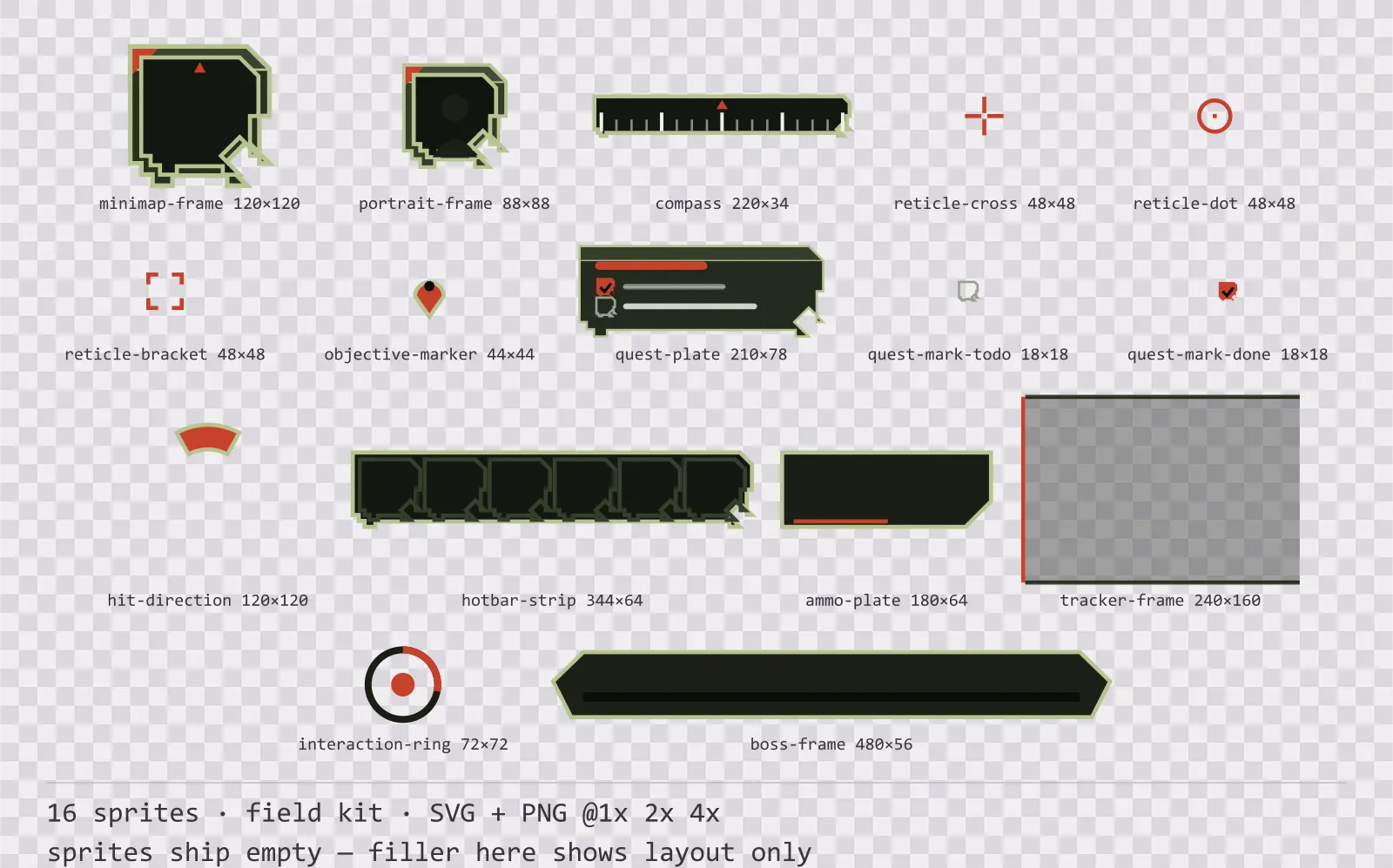
Bunker HUD Frames
16 field kit heads-up display frames for dark interfaces — field olive with signal red accents. SVG plus transparent PNG at 1x, 2x and 4x.
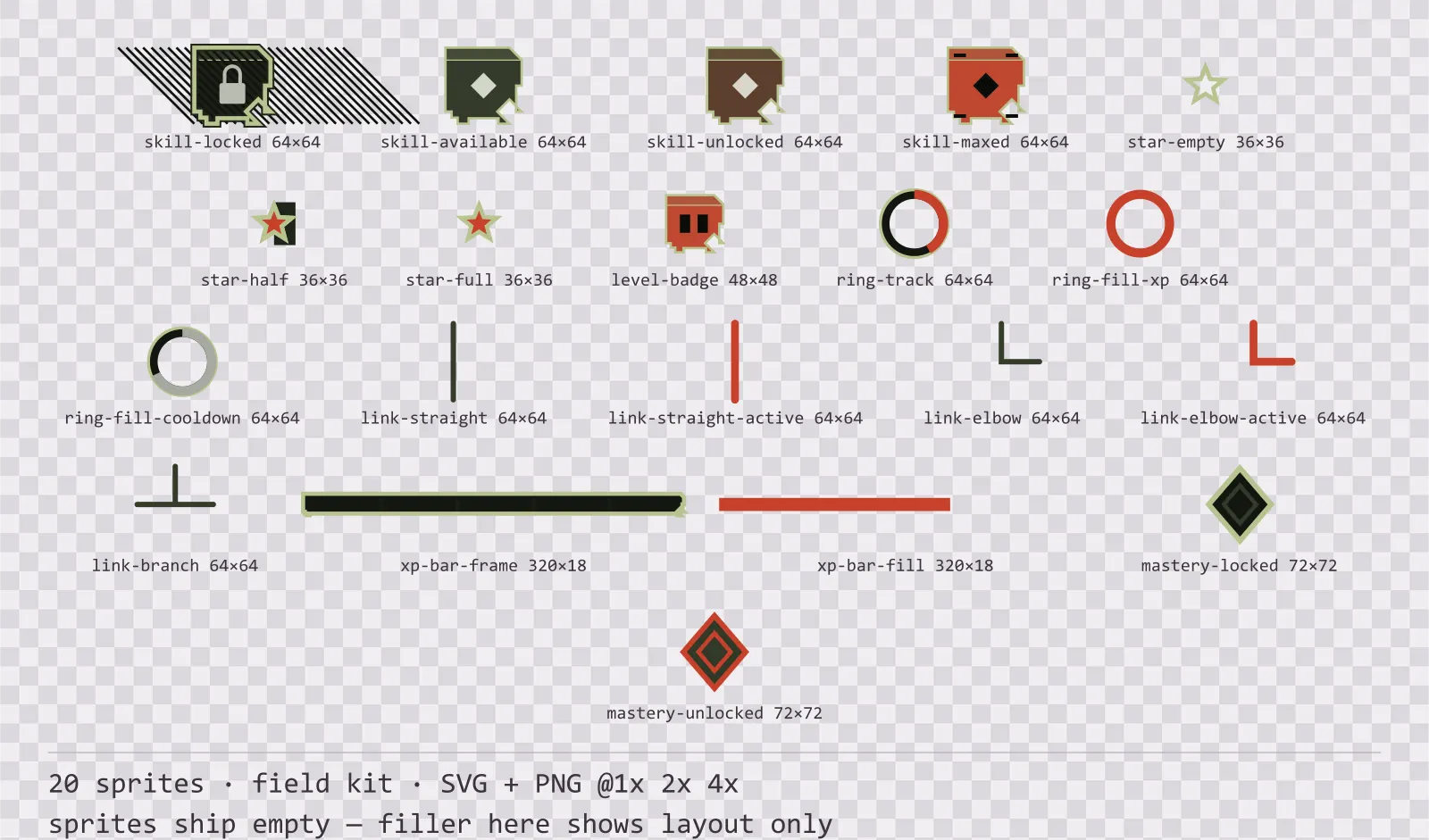
Bunker Progression Kit
20 field kit progression and reward components for dark interfaces — field olive with signal red accents. SVG plus transparent PNG at 1x, 2x and 4x.
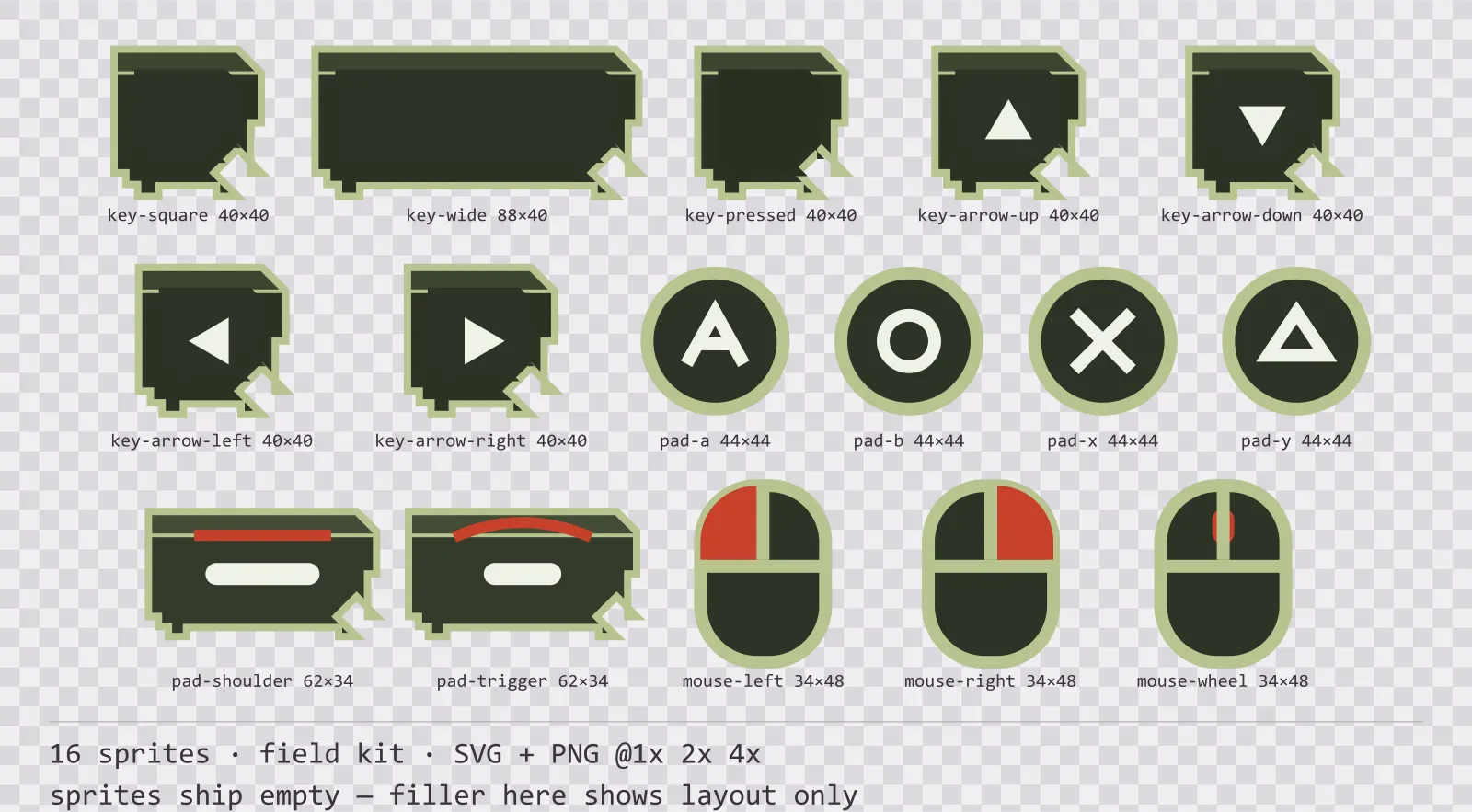
Bunker Input Prompts
16 field kit input prompt sprites for dark interfaces — field olive with signal red accents. SVG plus transparent PNG at 1x, 2x and 4x.
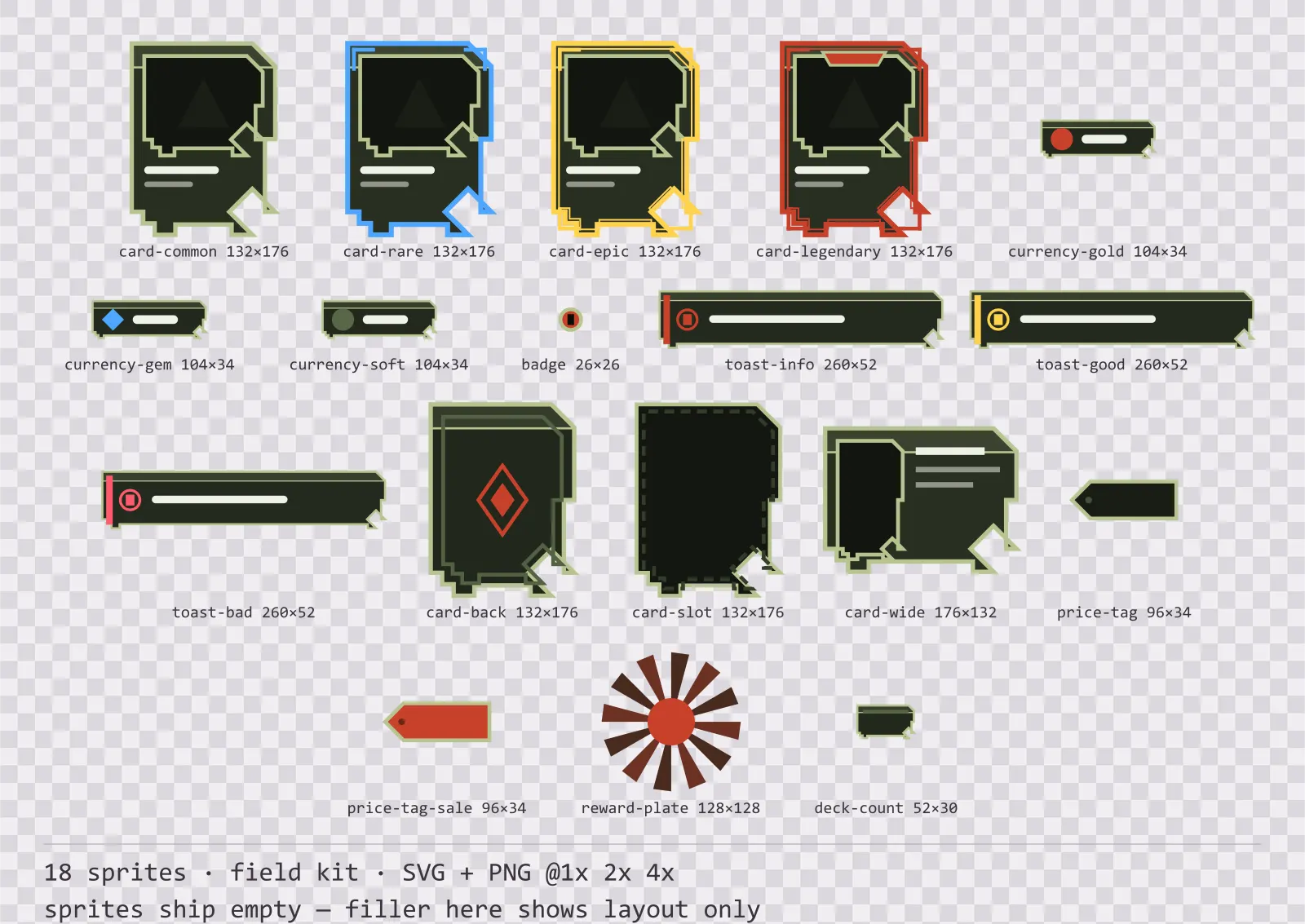
Bunker Card Frames
18 field kit card, currency and notification components for dark interfaces — field olive with signal red accents. SVG plus transparent PNG at 1x, 2x and 4x.
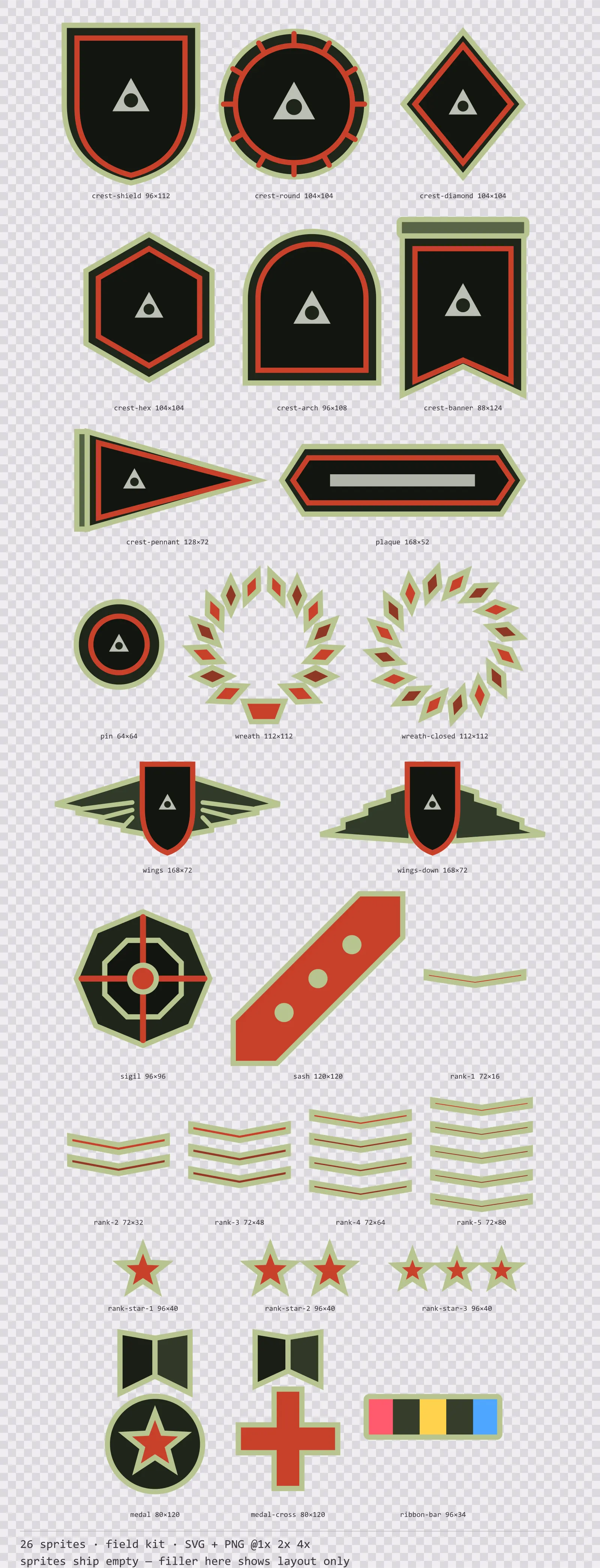
Bunker Emblems
26 field kit crests, insignia and rank marks for dark interfaces — field olive with signal red accents. SVG plus transparent PNG at 1x, 2x and 4x.
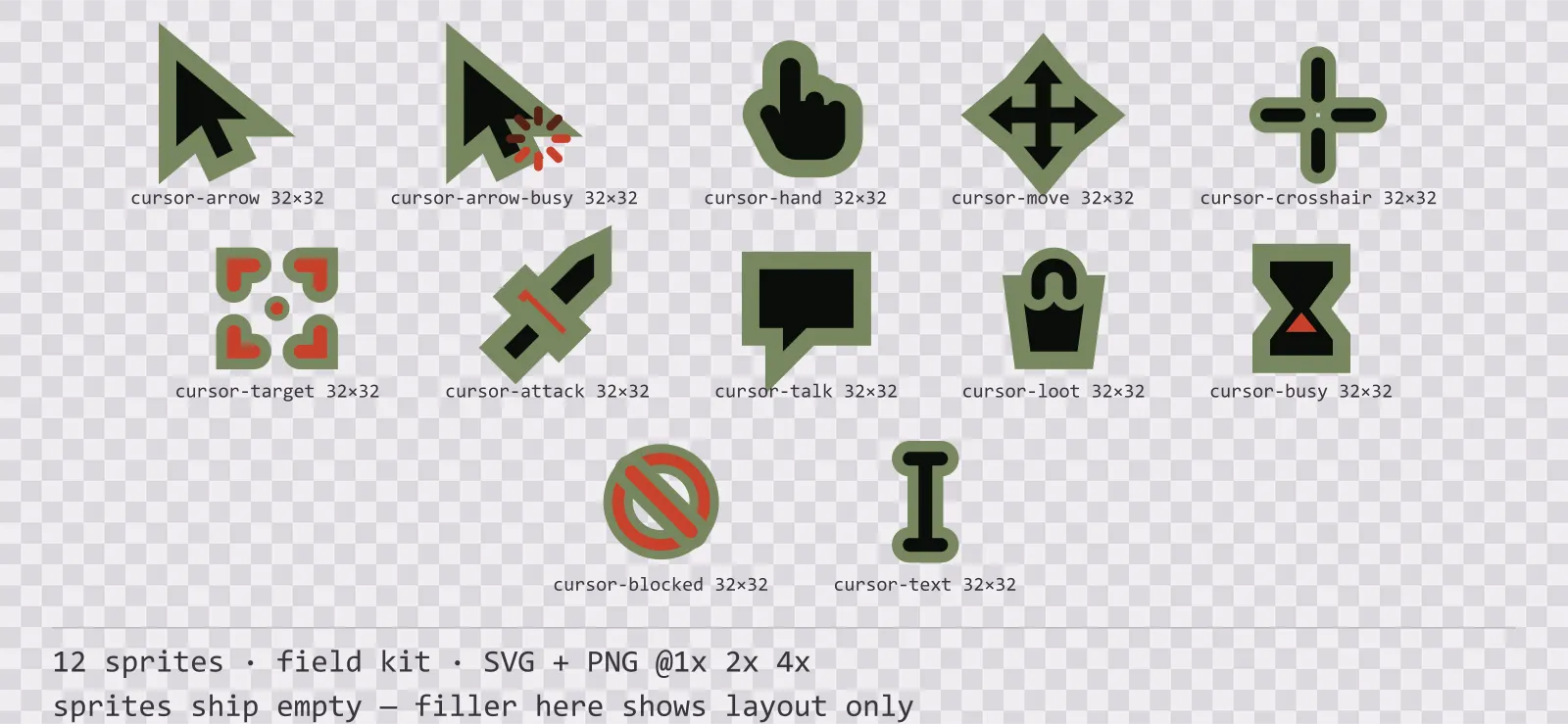
Bunker Cursors
12 field kit mouse cursors for dark interfaces — field olive with signal red accents. SVG plus transparent PNG at 1x, 2x and 4x.
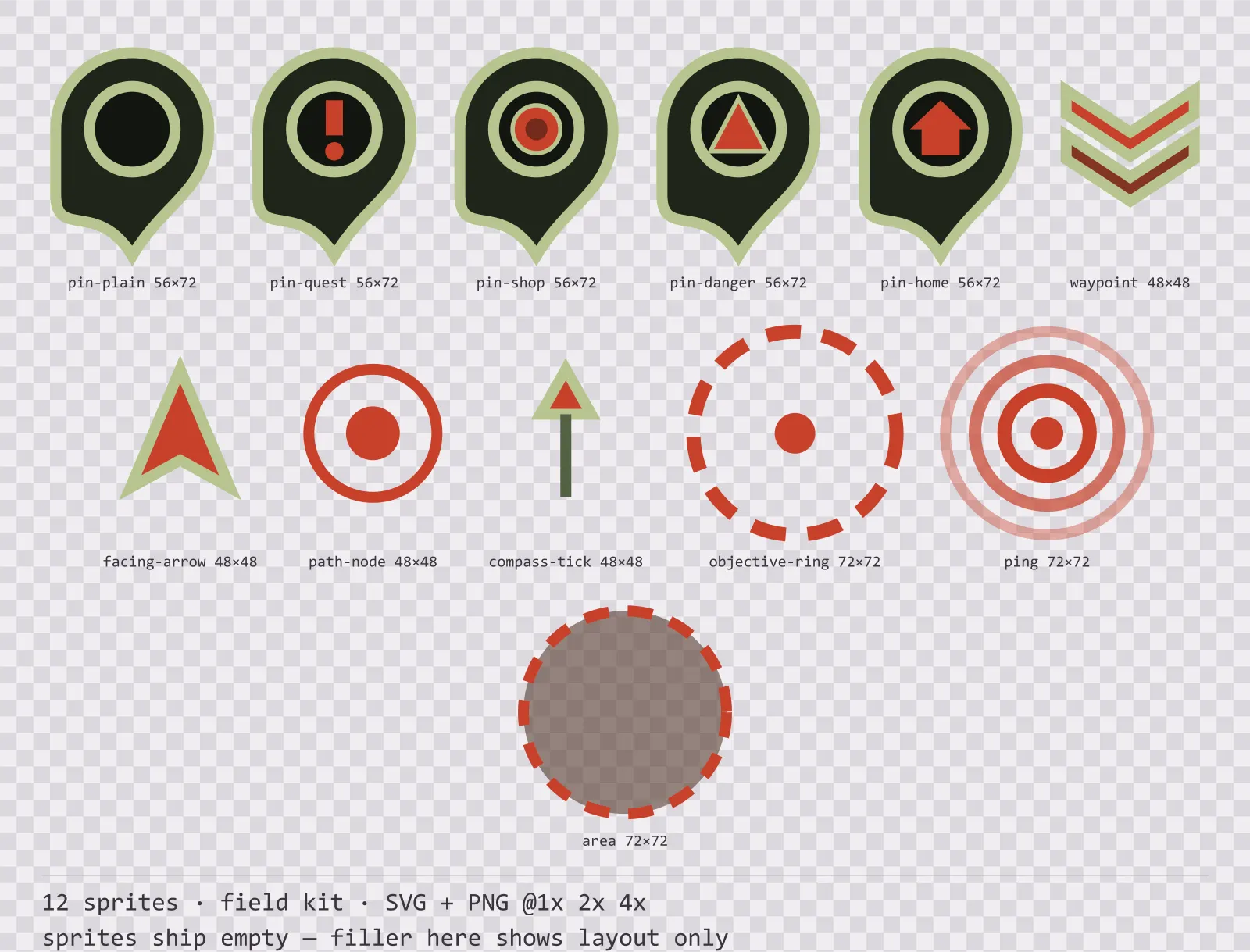
Bunker Map Markers
12 field kit map markers and world indicators for dark interfaces — field olive with signal red accents. SVG plus transparent PNG at 1x, 2x and 4x.
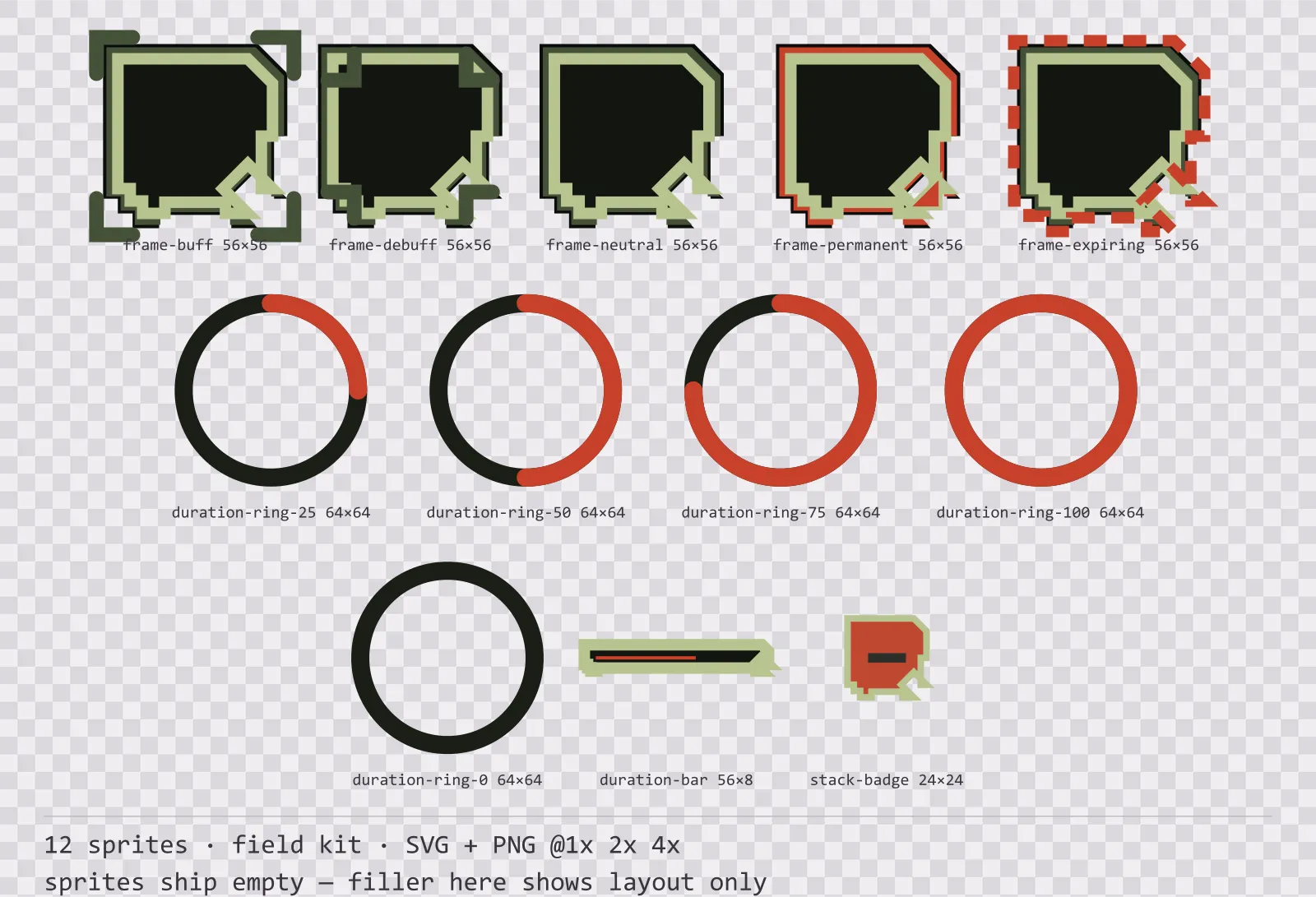
Bunker Status Effects
12 field kit status effect frames and duration indicators for dark interfaces — field olive with signal red accents. SVG plus transparent PNG at 1x, 2x and 4x.
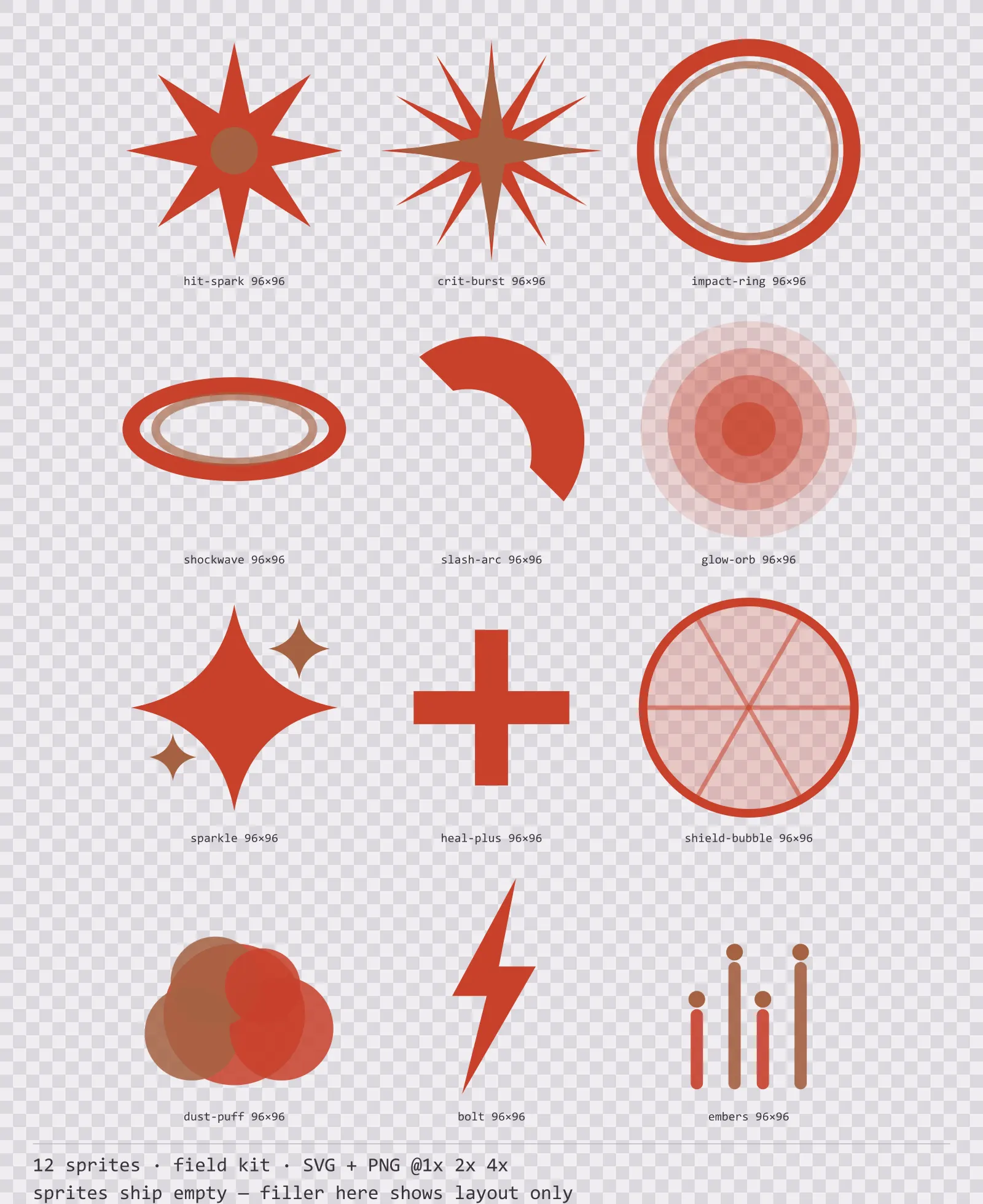
Bunker Hit Effects
12 field kit impact and effect sprites for dark interfaces — field olive with signal red accents. SVG plus transparent PNG at 1x, 2x and 4x.
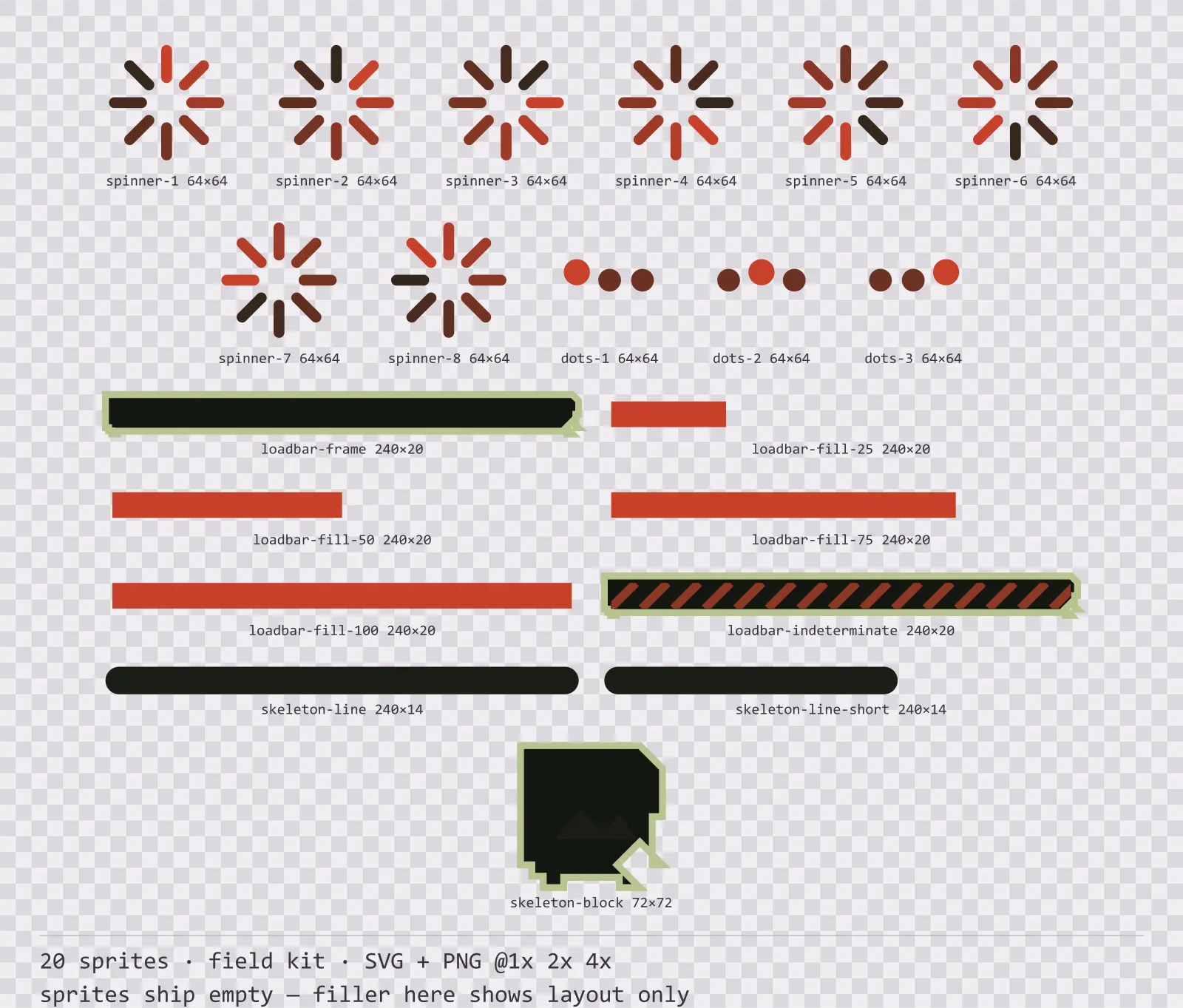
Bunker Loading
20 field kit loading and waiting indicators for dark interfaces — field olive with signal red accents. SVG plus transparent PNG at 1x, 2x and 4x.
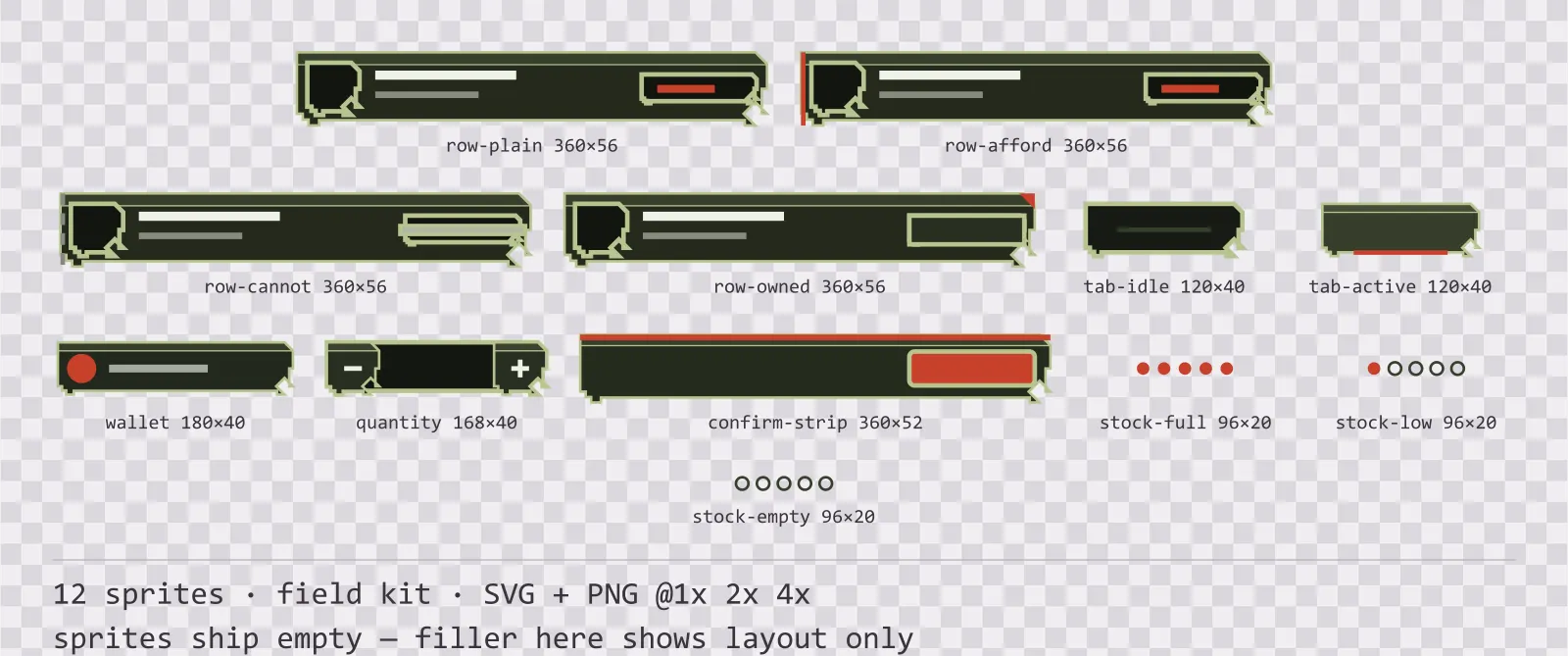
Bunker Shop UI
12 field kit shop and economy widgets for dark interfaces — field olive with signal red accents. SVG plus transparent PNG at 1x, 2x and 4x.
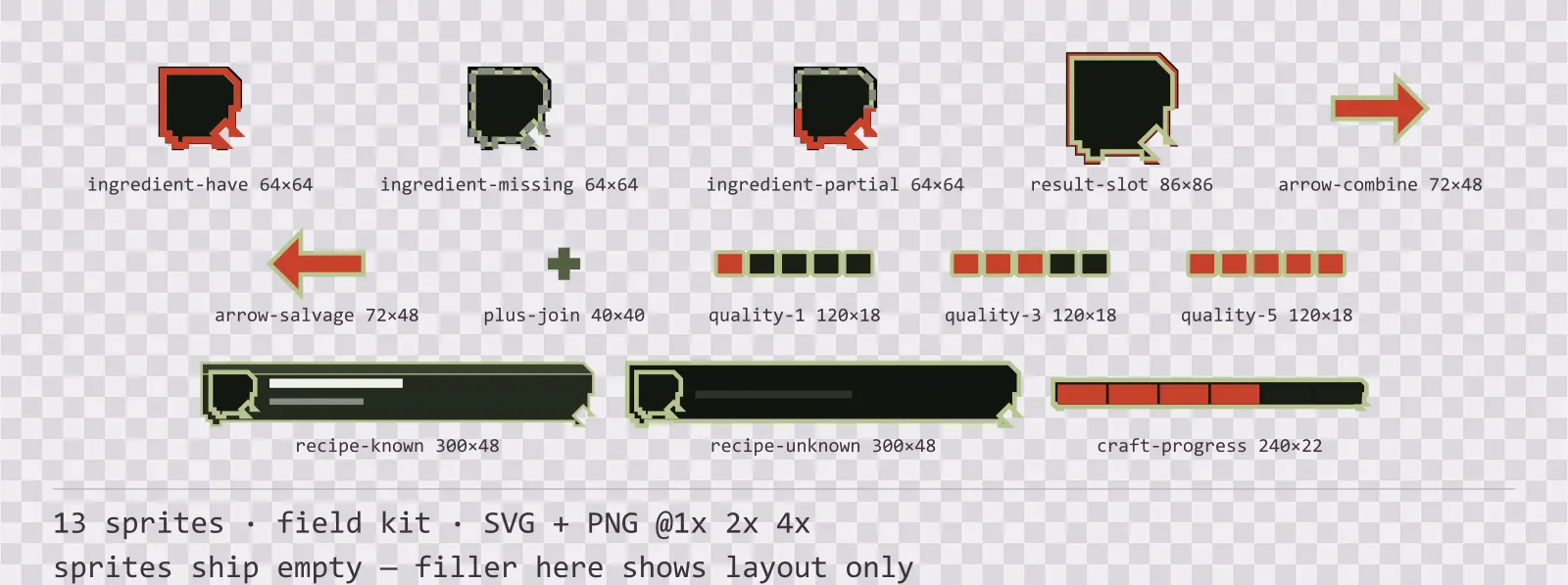
Bunker Crafting UI
13 field kit crafting and recipe widgets for dark interfaces — field olive with signal red accents. SVG plus transparent PNG at 1x, 2x and 4x.
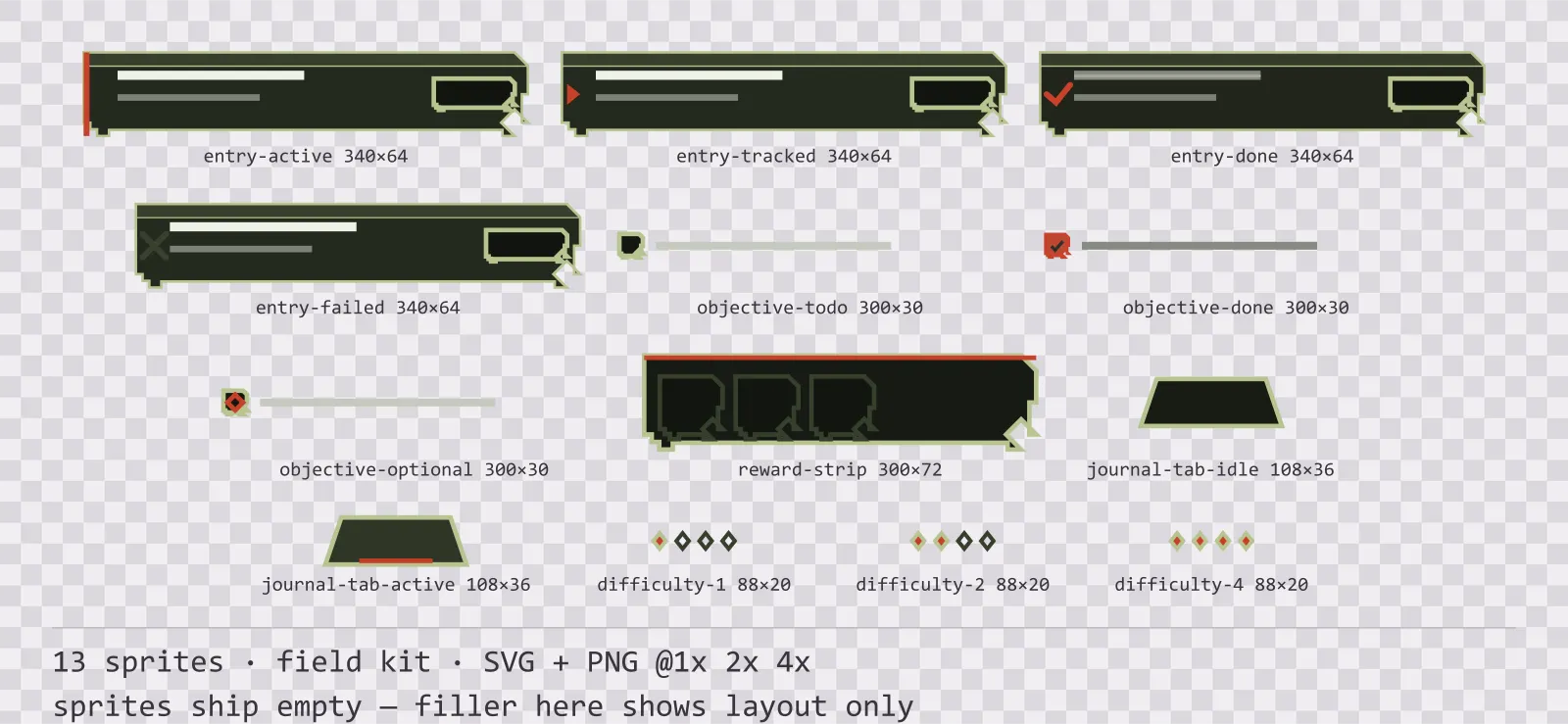
Bunker Quest Log
13 field kit quest log and objective widgets for dark interfaces — field olive with signal red accents. SVG plus transparent PNG at 1x, 2x and 4x.
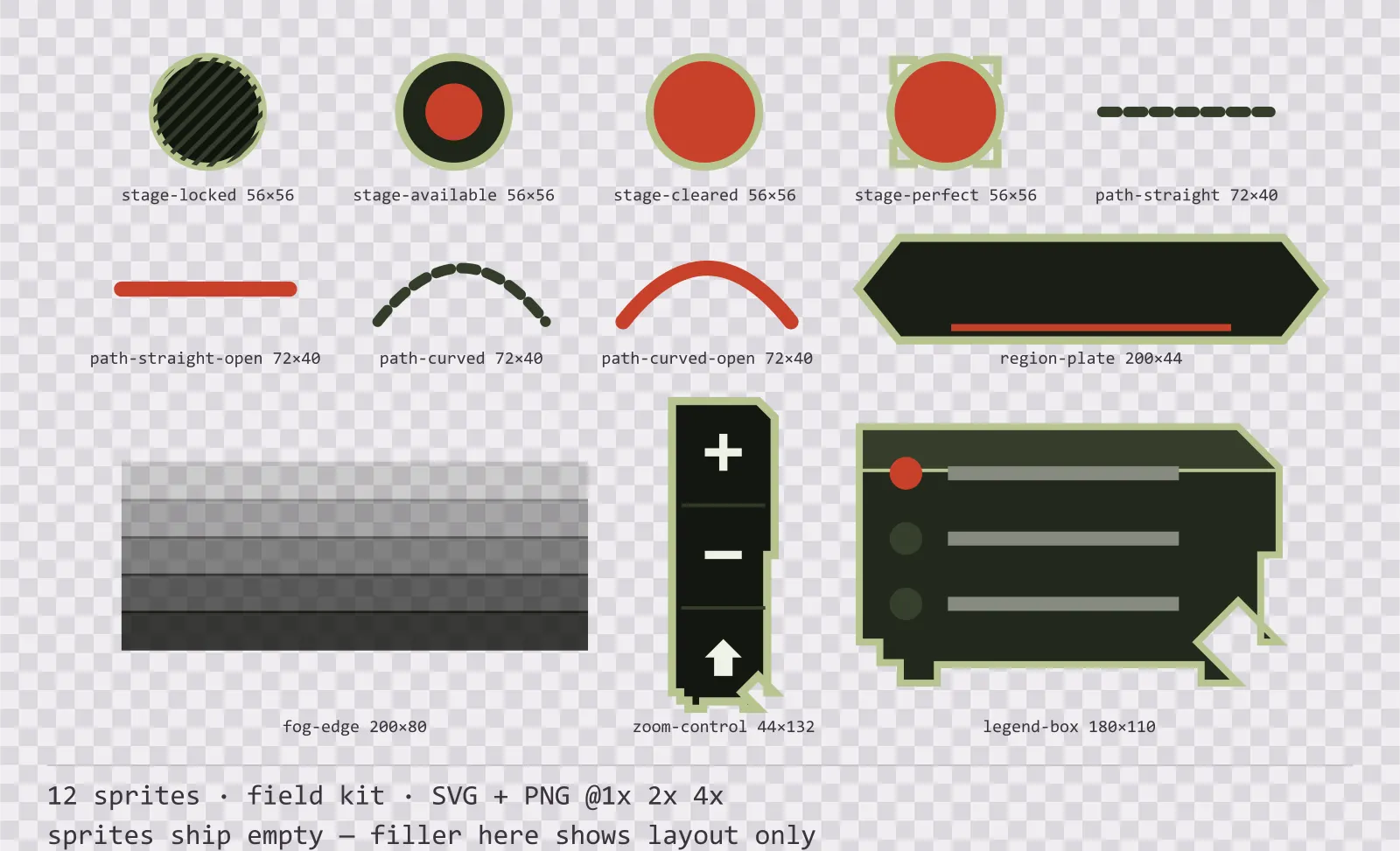
Bunker Level Select
12 field kit level select and world map pieces for dark interfaces — field olive with signal red accents. SVG plus transparent PNG at 1x, 2x and 4x.
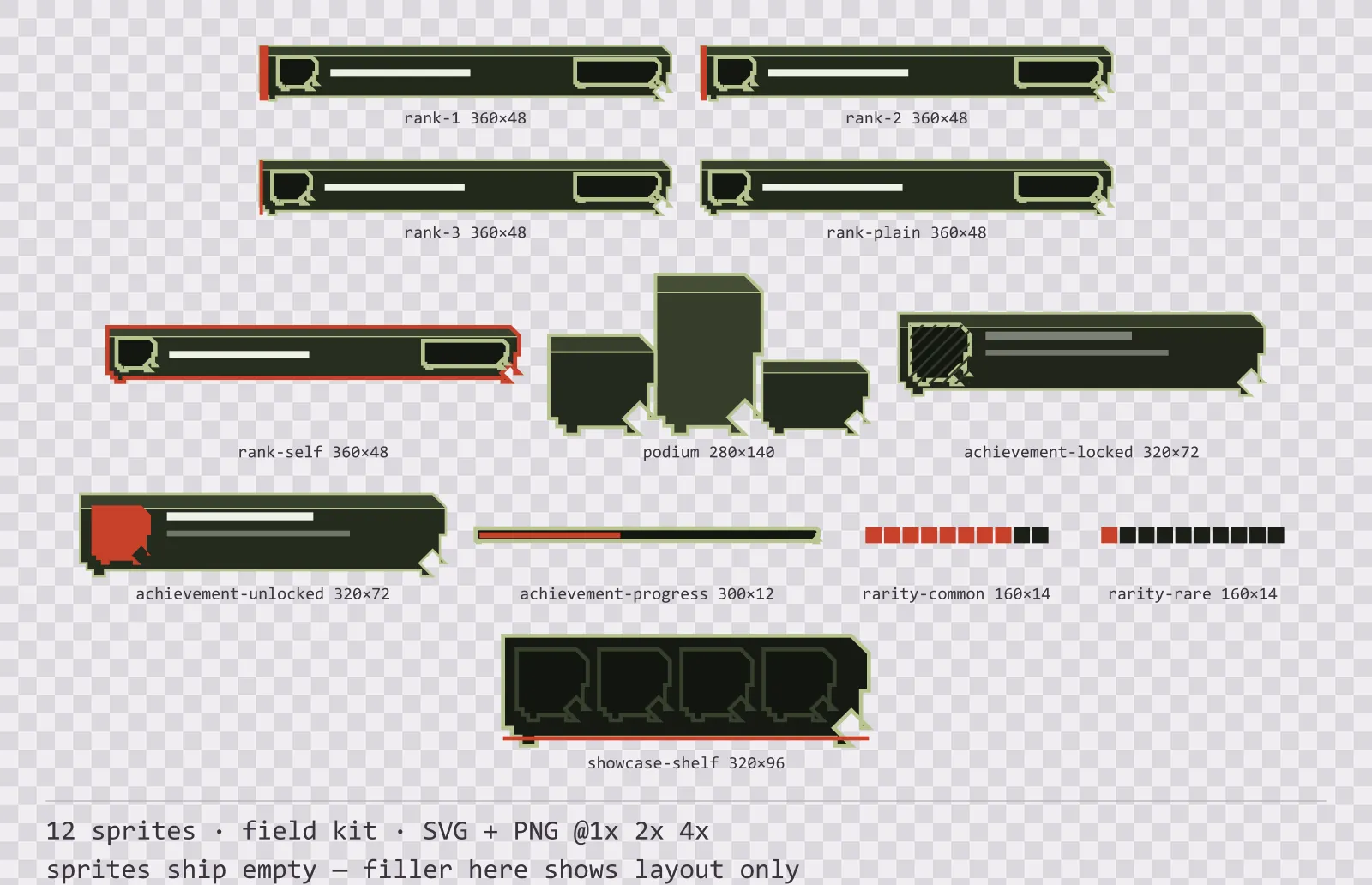
Bunker Leaderboard
12 field kit leaderboard and achievement widgets for dark interfaces — field olive with signal red accents. SVG plus transparent PNG at 1x, 2x and 4x.
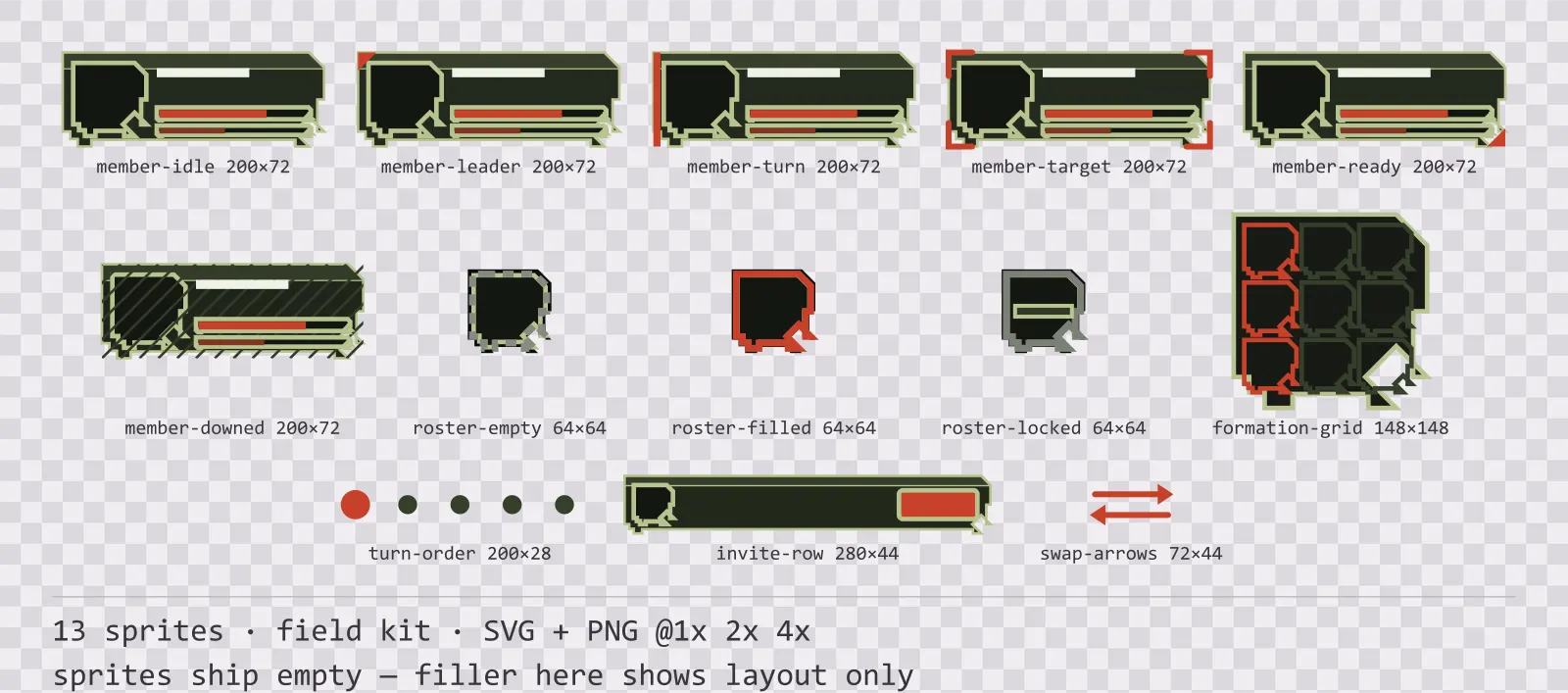
Bunker Party UI
13 field kit party and roster widgets for dark interfaces — field olive with signal red accents. SVG plus transparent PNG at 1x, 2x and 4x.
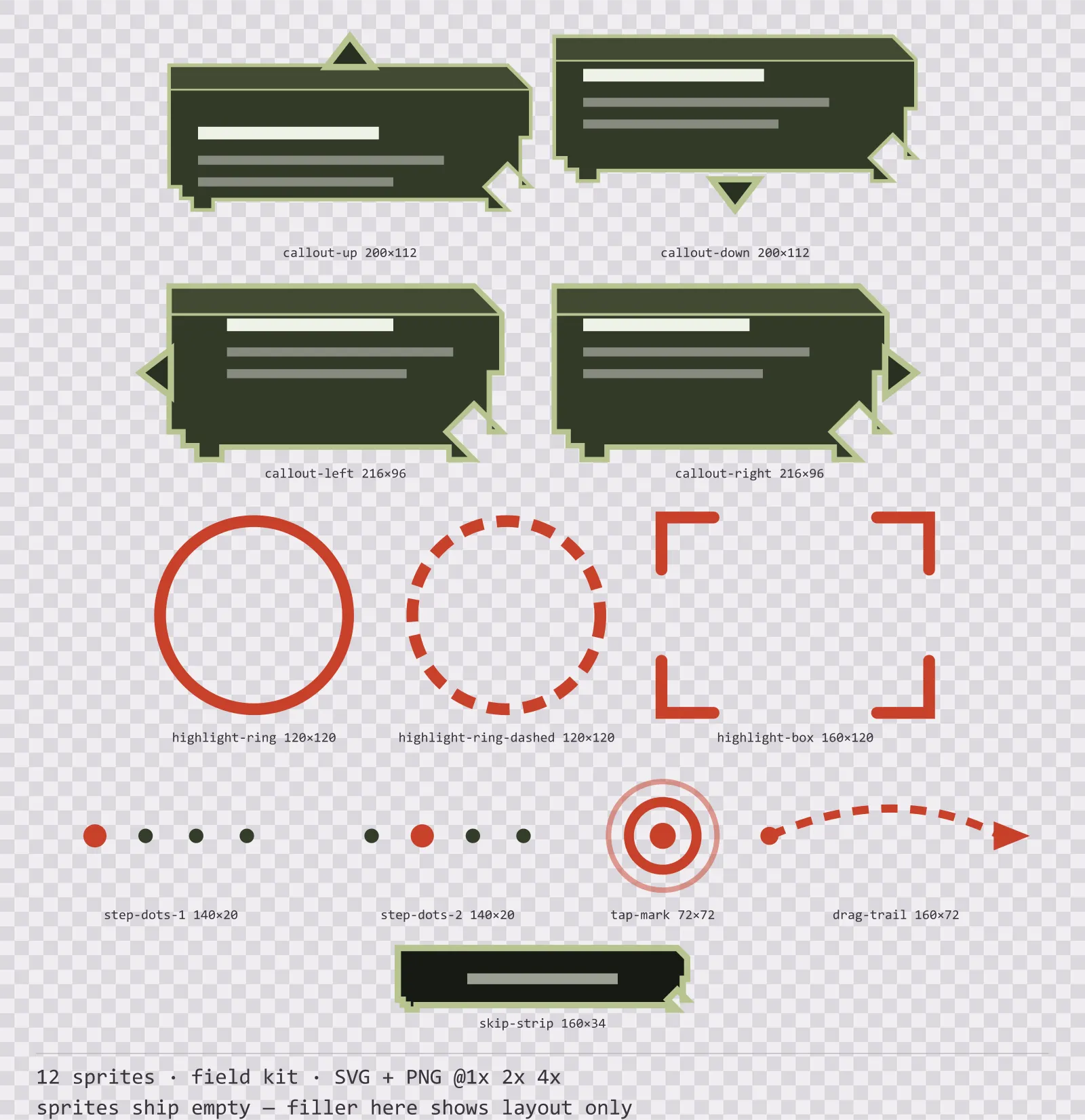
Bunker Tutorial UI
12 field kit tutorial and onboarding markers for dark interfaces — field olive with signal red accents. SVG plus transparent PNG at 1x, 2x and 4x.
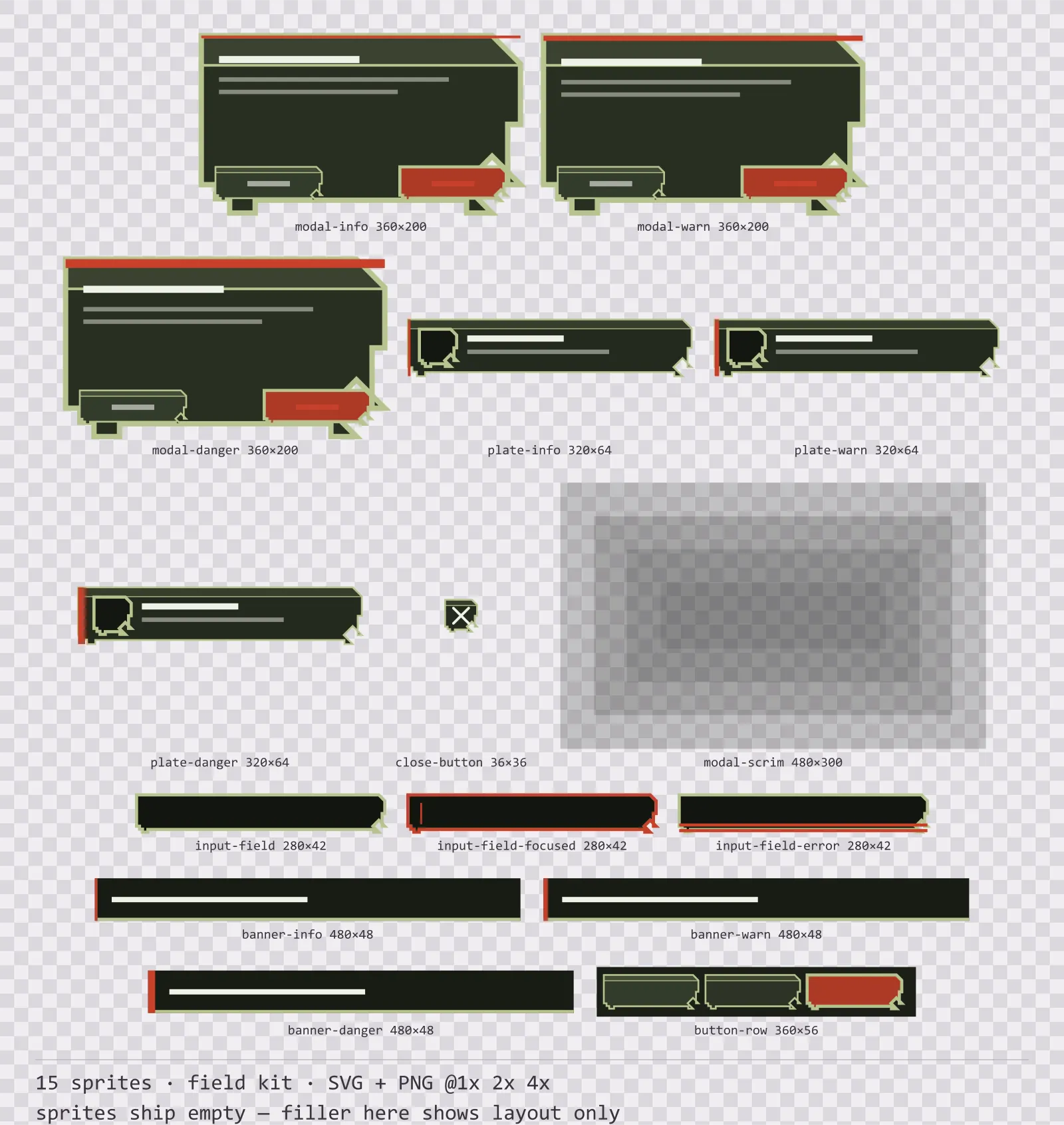
Bunker Modals
15 field kit modal dialogs and system notices for dark interfaces — field olive with signal red accents. SVG plus transparent PNG at 1x, 2x and 4x.
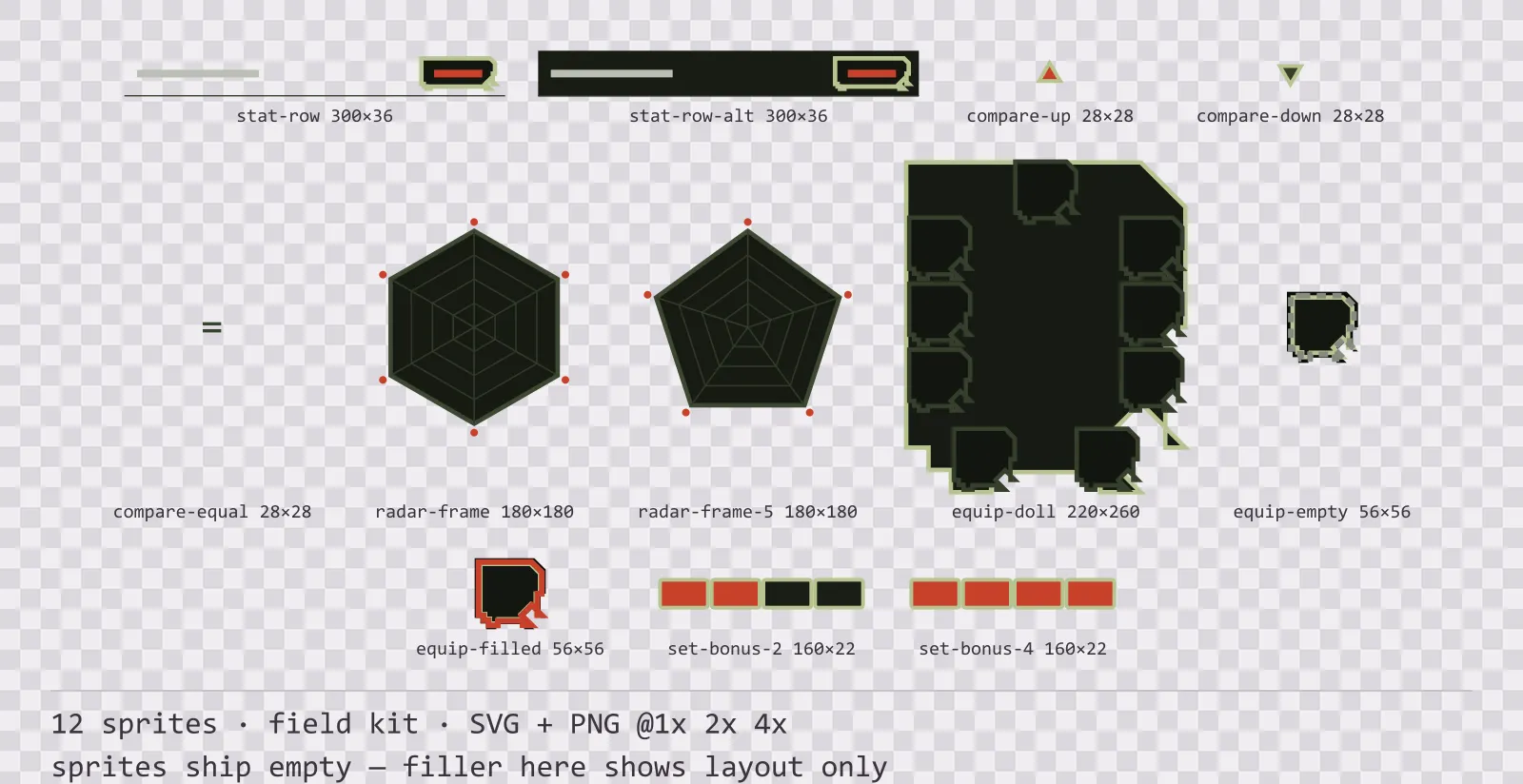
Bunker Character Sheet
12 field kit character sheet and stat widgets for dark interfaces — field olive with signal red accents. SVG plus transparent PNG at 1x, 2x and 4x.
Each asset is downloaded from its own page — that way you only take what you need, and the file list, sizes and license stay accurate per item.